Artificial Intelligence

Why Hire an AI Integration Development Company for Business

Share:
Founder

Author

Priyadharshini Suriyanarayanan
Founder Founder

Table of Contents

...

The average enterprise now runs 4.2 different AI models in live production, which is more than double the 1.9 in just two short years. And yet, despite this explosion in AI adoption, difficulty getting AI integration right with existing systems remains one of the challenges that keep companies stuck, right alongside data quality issues.

There are more and more AI, AI models and tools available, but very few businesses have actually managed to get these into one system that works together like a well-oiled machine. It's not that getting access to AI is hard, but making it actually usable across every platform, workflow, and department a business already runs is the real hurdle.

So, how to turn these separate AI tools into one connected system? How ai integration development company help you with this? This blog tells you exactly how.

What is AI Integration?

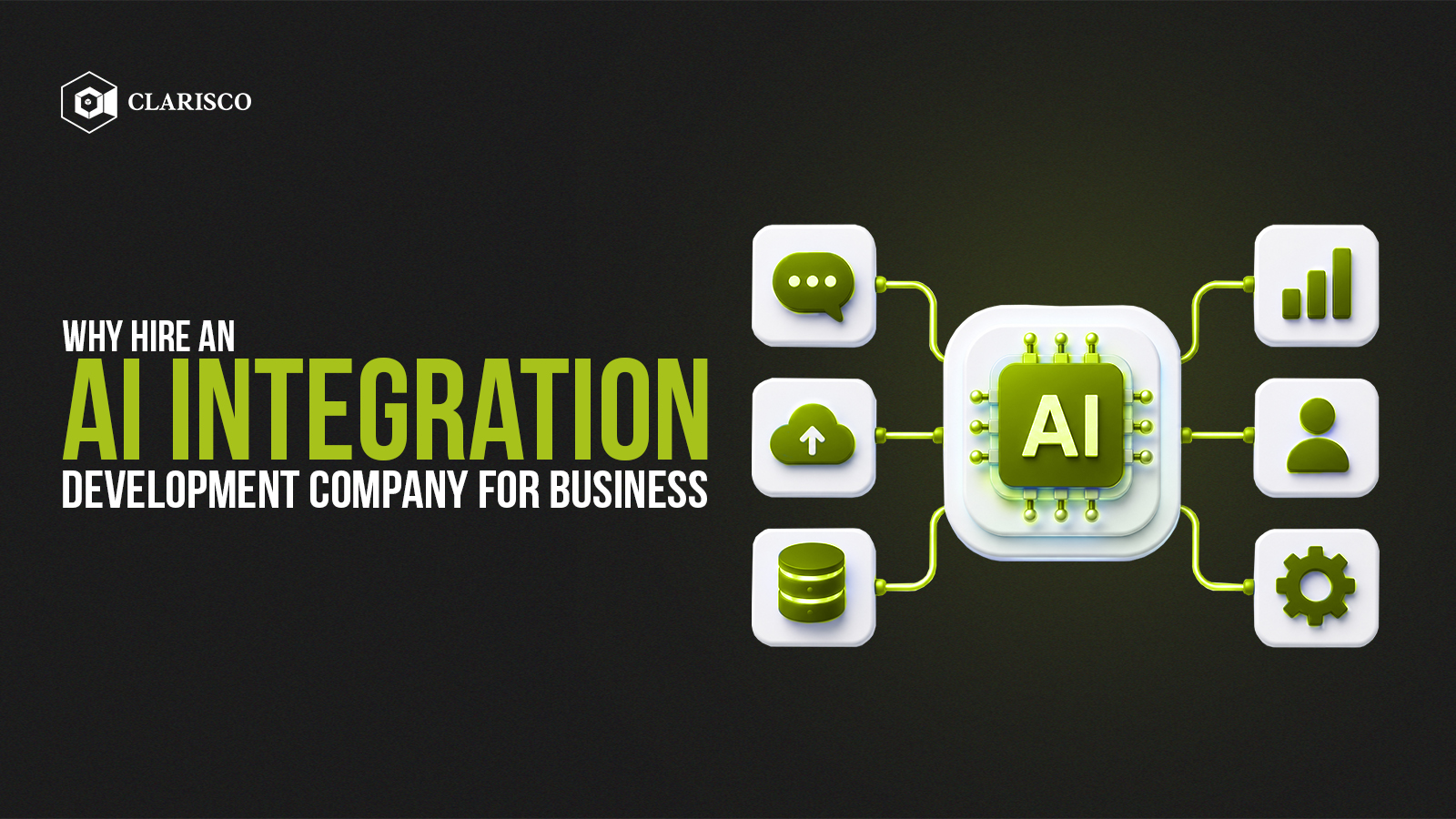
AI integration development involves the implementation of an AI model or agent within an existing software application, mobile app, or system. AI Integration works by incorporating AI naturally into your existing software rather than being a separate tool. What can AI software integration do for your small business, startup, or large corporation?

  • Enhance the speed of the daily work process
  • Improve productivity
  • Save time and money

How AI Integration Development Works

AI is first integrated within the existing system or framework. After the integration of AI, it processes the data and provides actionable insights using technologies such as ML and deep learning. Moreover, it learns from the data inputs and makes predictions and optimizations. Scroll and learn how an AI integration development company can help you.

What AI Integration Services Are Available?

  • AI integration- connecting AI models into your existing apps and systems
  • AI agent integration- AI that takes real actions, not just replies
  • AI chatbot integration- smart chat support trained on your own data
  • AI copilot integration- an AI assistant built right into your team's tools
  • AI workflow automation- cutting out manual steps in your processes
  • RAG integration- AI that answers using your actual documents and data
  • MCP integration / MCP server development- securely connecting AI to your tools and data sources
  • Enterprise AI integration- embedded across CRM, ERP, HRMS, e-commerce, productivity tools, and automation platforms

How AI Integration Is Being Used Today By Industries

Industry

Example

What It Does

Manufacturing

Siemens’ Predictive Maintenance

Flags equipment failures using sensor data

Customer Service

Zendesk’s AI Agents

Respond to customers' queries and solve complex tasks.

Cybersecurity

CrowdStrike’s Threat Hunting

Detects and responds to breaches in real time using behavioral AI

Transportation

Waymo’s Autonomous Driving

Uses AI for real-time navigation and obstacle detection in self-driving cars

What Business Software Platforms Can Be Connected With AI?

1. CRM Integrations

Sales and support teams use these tools to track customers and leads. When we say "AI integration", it means auto-generating follow-up emails, making guesses about which leads are actually likely to convert, summarising customer interactions, and getting AI chatbots to just handle crm data for you.

Some examples are Salesforce, HubSpot, Zoho CRM, and Microsoft Dynamics.

Salesforce - managing sales, tracking all your leads, and following the progress on deals from the very first customer up to the sale being closed.

HubSpot - keeps tabs on customers and runs email and marketing campaigns.

Zoho CRM - Store customer details, track sales calls, and follow up on things you need to do.

MS Dynamics - helps you manage both the front-end of customer relationships and the behind-the-scenes of business operations.

2. ERP Integrations

These Systems control critical day-to-day operations such as finance, stock, logistics, and purchasing for businesses. With integrated AI, you might notice improved demand forecasting, the ability to spot anomalies in your financial data, automated invoice processing, and the ability to query your ERP system in a more natural human tone

Examples are SAP, Oracle, Odoo, & NetSuite.

SAP - For running finance, manufacturing, inventory, and supply chain processes in one system.

Oracle- To manage company finances, accounting, and budgets

NetSuite- To handle accounting, inventory, and orders.

3. HRMS Integrations

They deal with employees’ data, payroll, recruitment, and performance evaluations. AI here could mean resume screening, HR question answering using a chatbot, attrition prediction, or automated onboarding.

Examples: BambooHR, Workday, and SAP SuccessFactors

BambooHR - stores all the employee records, handles leave requests, and makes the hiring process smoother

Workday - Review employee records, payroll, and company financials in one go

SAP SuccessFactors - sort out employee performance, promotions, and all the career-related things

4. E-commerce Integrations

Online shopping platforms where you can set up your own shop. AI helps tailor product recommendations, create AI-generated product descriptions, adjust prices on the fly, or set up a customer service bot that knows exactly what's going on with that order.

Examples: Shopify, Magento, WooCommerce, BigCommerce

Shopify - set up and run an online shop complete with product pages, checkout, and all the payment business

Magento - build an online store, handle big numbers of products

BigCommerce - construct and run an online shop

5. Productivity Integrations

Best for everyday collaboration and work management. With the use of AI, it summarizes meetings, automatically drafts documents, answers questions from a company’s knowledge base, or becomes your AI assistant that drafts Jira tickets from messages.

Examples: Slack, Microsoft Teams, Google Workspace, Jira, Confluence, Notion

Slack- Manage communication and files instead of emailing

MS Teams- for chatting, video calling, and sharing files

Google Workspace- for email, writing documents, and building spreadsheets

Jira- To track bugs, tasks, and project progress

Notion- To write notes, build databases, and manage projects

6. Automation Platforms

These kind of AI tools works by connecting different apps and software to work together in sync, so they can automatically share data and complete tasks without requiring human effort. For instance, 'when a new lead comes into Salesforce, send a notification to Slack'. But when you start combining these AI tools with automation workflows, it can summarise data, generate content, or even make decisions.

Examples: Zapier, Make, n8n

Zapier connects two apps so that an action in one triggers an action in another, without writing code

Make, similar to Zapier, but allows more complex, multi-step automation flows

N8n- self-hosted; developers can customize and control it fully

Clarisco’s AI Integration Process

1. Discovery & System Audit

We start by understanding your application, current technology stack, business processes, data, and the areas where operations slow down or become inefficient. Before any recommendation for AI comes, we need to know all this and more to ensure seamless integration of the technology.

2. Architecture & Integration Design

After careful analysis, we then create a plan for the AI application integration development. This includes how AI should connect, which systems it talks to, how data flows, and where agents or automation need to be integrated. During this stage, any issues with the integration process are addressed.

3. Build, Test & Validate

Here is where it is built and then tested. In addition to coding and building, this is where we ensure that the system works as expected through thorough testing in realistic situations.

4. Deploy, Monitor & Optimize

We do not vanish immediately once the solution has been deployed. We continue to observe its performance and are ready to make any necessary modifications if needed.

How Does Clarisco Automate Business Workflows with AI?

AI workflow automation means creating a single pipeline that ties together LLM integration, reasoning, tool calls, and business APIs. All of which are required to execute multi-step tasks without manual intervention.

We do this by pairing our agents (that's OpenAI, Claude, and Gemini) up with some special logic that triggers actions, makes decisions, and connects to your other tools - like CRMs, ERPs, and the rest of your internal software

So our agents don't just sit there answering questions - they take action, double-check things, and even send things up the chain if they're not confident.

How Do We Handle AI API Integration

At Clarisco, we do things a bit differently from others when it comes to working with clients. Instead of tying them down to just one AI provider, every project starts with the same basic question: which of those three AI model integrations

OpenAI for broad, general-purpose tasks or

Claude for tasks that require complex reasoning, processing large amounts of context, and producing high-quality outputs, or

Gemini, for handling multiple kinds of input at once, is actually the best fit for this particular use case.

We don't go out and wire a single api into the client's product; that would be too restrictive, in case they wanted to do something different or want to use a different api later. We create a layer that can support all three types of APIs, so that the client does not have to start from zero when they rebuild the system from scratch.

Our process typically covers:

  • Requirement mapping — matching the task (chat, agentic workflows, document analysis, etc.) to the right model
  • Secure integration — API keys and calls handled server-side, never exposed to the client
  • Unified architecture — one internal interface our engineers build against, with provider-specific logic abstracted away
  • Testing & fallback handling — so a rate limit or outage on one provider doesn't take down the whole system

Why Do Businesses Choose Us for Enterprise AI & RAG Integration?

Businesses pick us for enterprise AI integration development because it actually fits into what they're already running: Salesforce, SAP, HubSpot, custom internal systems, whatever the setup is, we build AI into it instead of forcing anyone to switch tools first.

Compliance isn't an afterthought either. GDPR, HIPAA, PCI-DSS, whatever applies to your business, it's part of the build from day one, not something patched in right before launch to pass a checklist.

We've actually shipped enterprise AI integrations before, so there's real experience behind the timelines and the complexity, not just a portfolio of small demos.

While your business scales, you need the fine-tuning of AI models. Clarisco, an AI integration development company, offers you continuous optimisation and support.

RAG Integration

RAG grounds LLM output in real company data instead of training data alone. At query time, relevant chunks are retrieved from a vector database and injected into the prompt before generation.

Benefits: less hallucination, no retraining needed to stay current, sensitive data stays in-house.

Are you ready to integrate AI to work for real? We're ready to work with you

Contact us and schedule a free consultation today!

We'd Love To Hear From You!

Know your requirement, our technical expert will schedule a call and discuss your idea in detail. All information will be kept confidential.

Contact Us

Loading...

Skip the queue and book a call with our Founder

Founder
Priyadharshini Suriyanarayanan

Founder & CEO, Clarisco Solutions Private Limited

12+ years in AI, Web3, and enterprise software delivery. Led 650+ product launches across AI agents, generative AI, tokenization, crypto exchanges, DeFi, and NFT platforms. Specializes in AI-driven Web3 product engineering and regulation-ready system architecture.